App
MCP Tool Analysis
Review MCP tool definitions for quality and LLM-readiness.
What MCP Tool Analysis Checks
MCPLab can analyse the tool definitions your MCP server exposes and report on their quality from an LLM perspective. Poor tool descriptions lead to agents calling the wrong tool or passing incorrect parameters.
- Description quality — is the tool description clear and specific enough for an LLM to know when to use it?
- Parameter documentation — are all parameters described with types and examples?
- Naming — does the tool name clearly indicate its purpose?
- Safety — does the tool expose operations that could be misused?
Running an Analysis
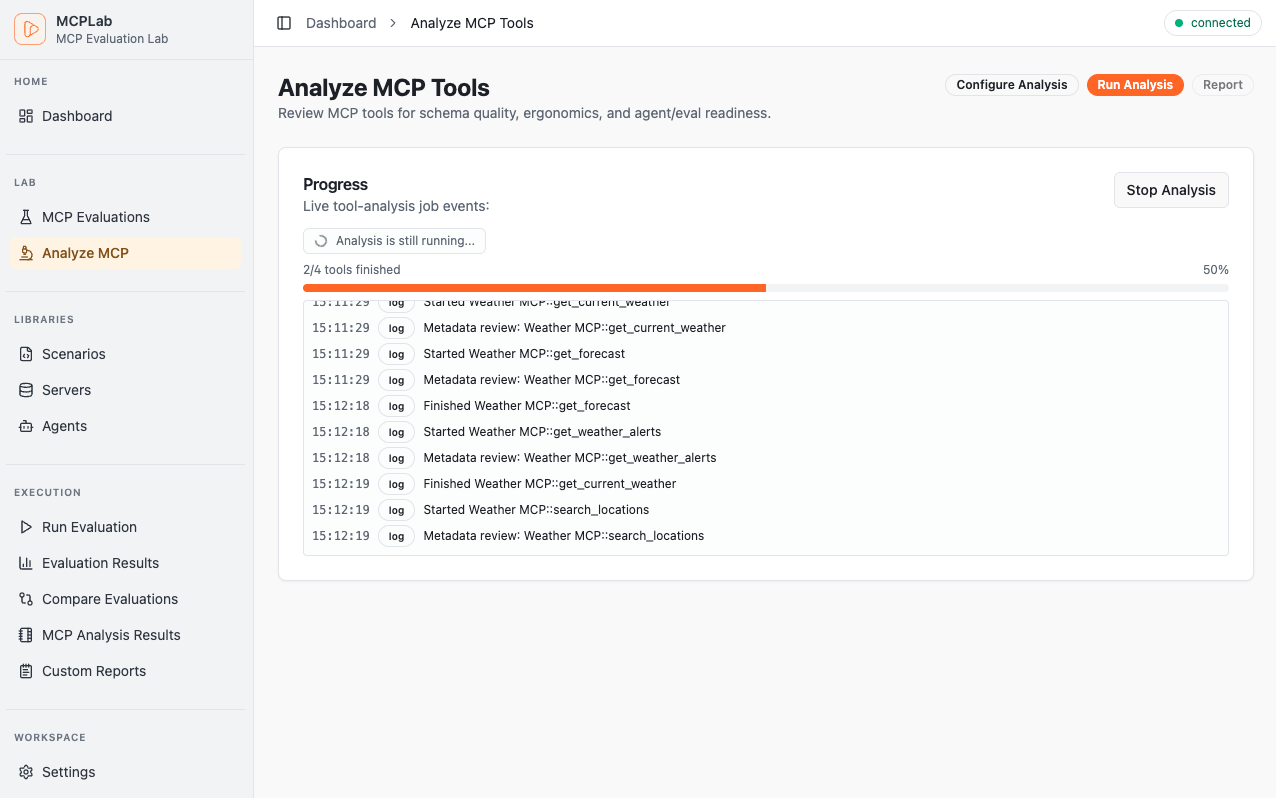
Open Tool Analysis from the sidebar and connect to an MCP server. MCPLab fetches the tool list and sends it to the AI reviewer. The analysis takes a few seconds.
Reading Results
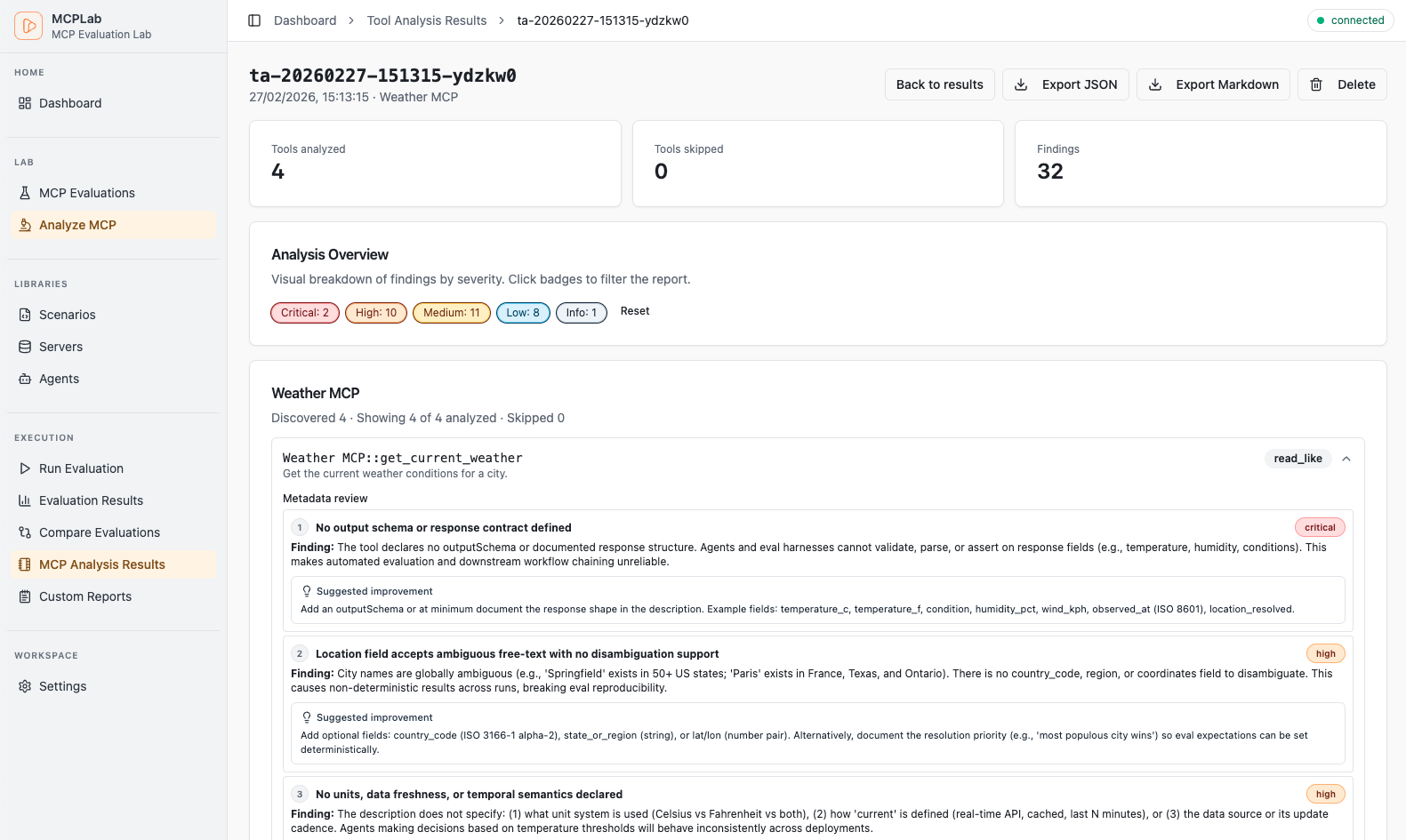
Results are grouped by severity: critical issues that will likely cause incorrect agent behaviour, warnings that reduce reliability, and informational suggestions.
Each finding includes the affected tool, a description of the issue, and a concrete recommendation.
Persisted Reports
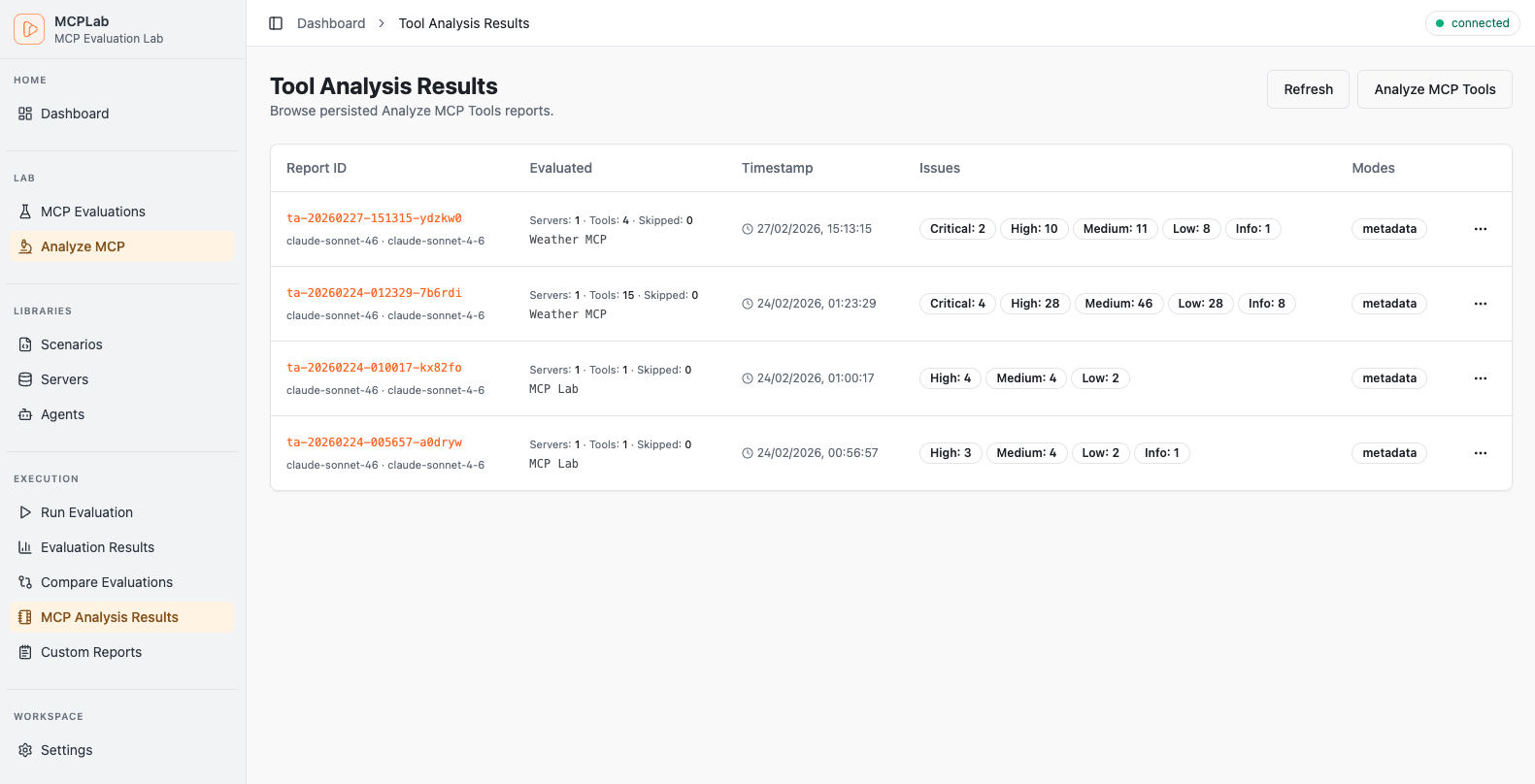
Completed analyses are saved and appear in the Analysis Reports list. Browse past reports to track quality improvements over time as you update your tool definitions.