App
Library
Manage reusable agents and servers shared across eval configs.
What the Library Is
The library is a directory of shared YAML files — agents.yaml and servers.yaml — that MCPLab loads at startup. Library items are available across all eval configs without duplicating their definitions.
This is useful when you have a standard set of agents (e.g. one per model you test) or servers (e.g. staging and production endpoints) that you want to reference from many configs.
Loading the Library
Pass --libraries-dir when starting the App to point it at your library directory.
mcplab app --libraries-dir ./librariesLibrary Items in the UI
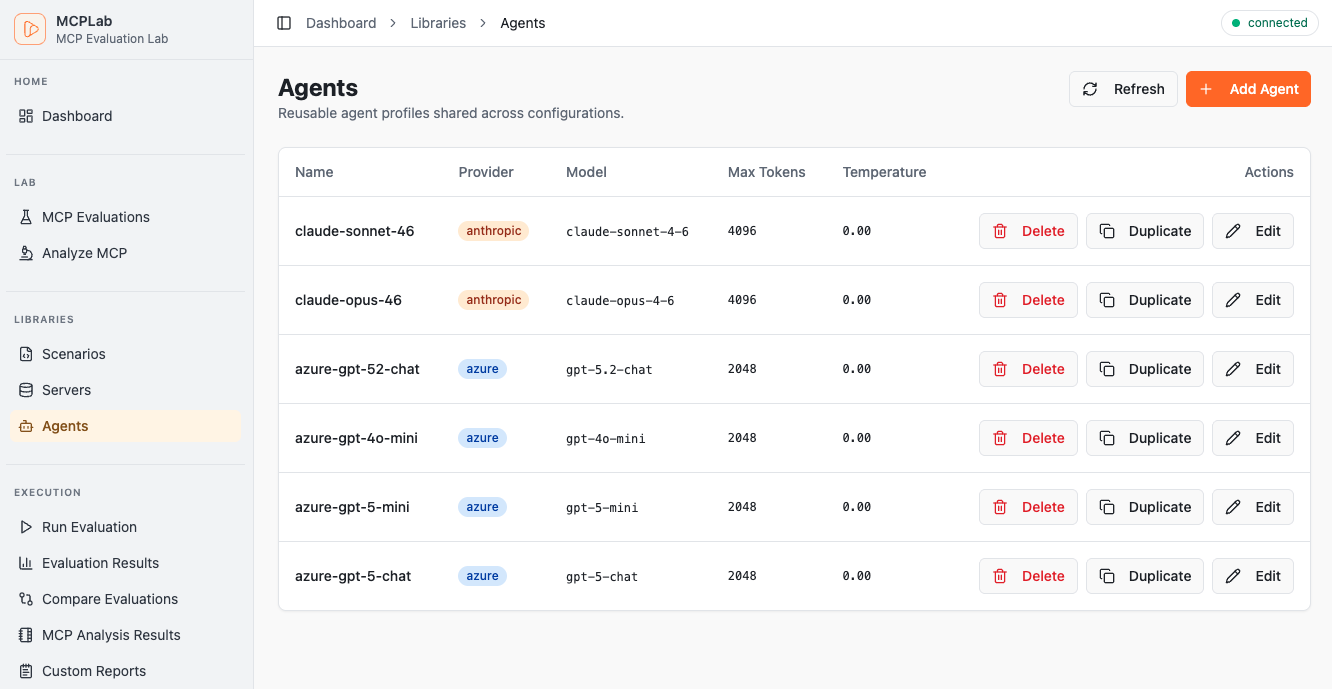
Library agents appear in the agent picker on the Run Evaluation page alongside agents defined in the selected config. Library servers appear in the server list when editing a config.
The Library section in the sidebar shows all loaded agents and servers with their full definitions.
Managing Library Files
Edit agents.yaml and servers.yaml directly in your library directory. The App reads them at startup — restart the App after making changes to pick up updates.
For the YAML syntax for referencing library items from eval configs, see the CLI / Configuration documentation.