App
Analysing Results
Understand run output, compare agents, and browse markdown reports.
The Results List
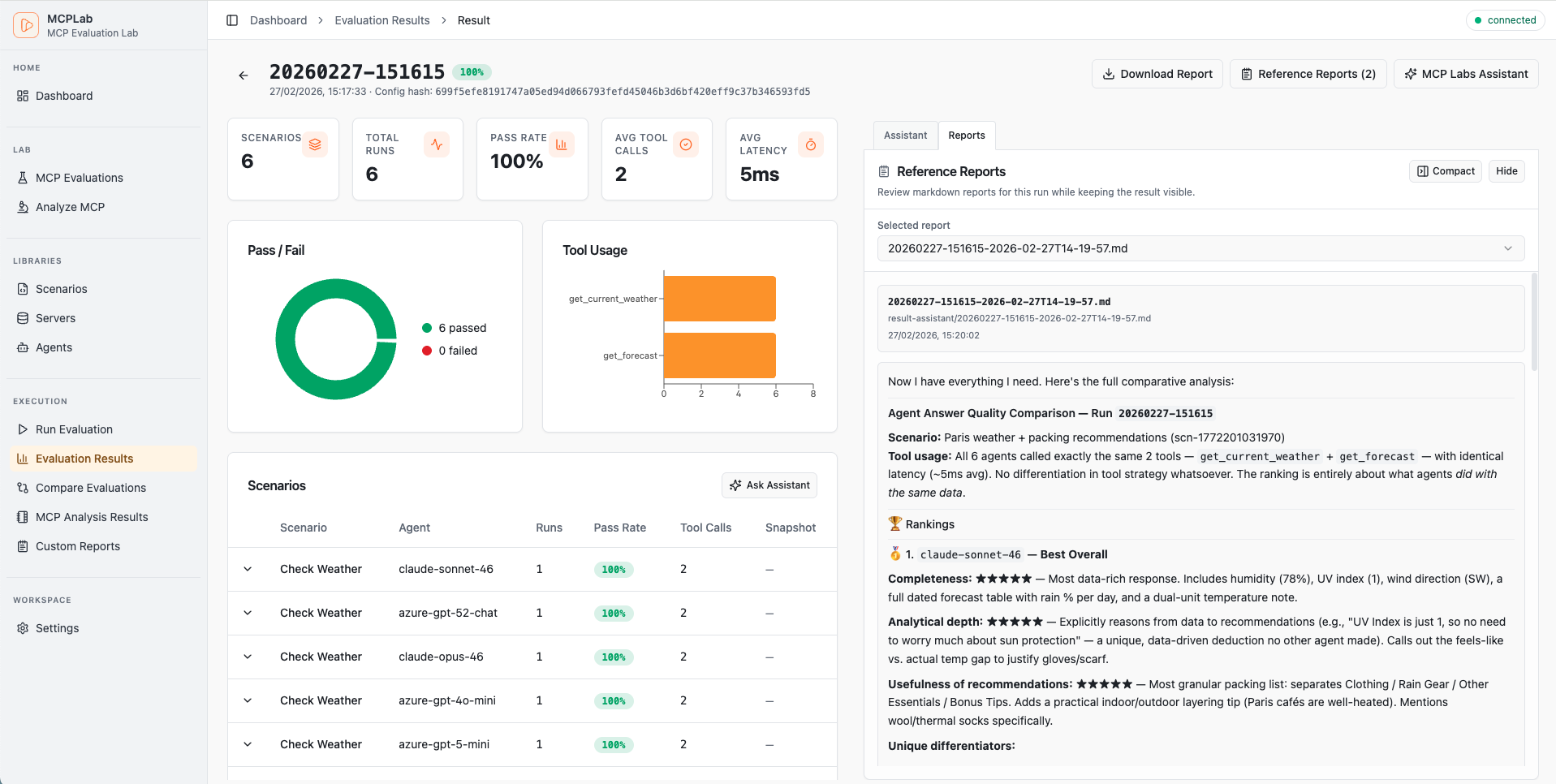
The Results page lists every completed run in reverse chronological order. Each entry shows the config name, run note, number of scenarios, and overall pass rate.
Result Detail
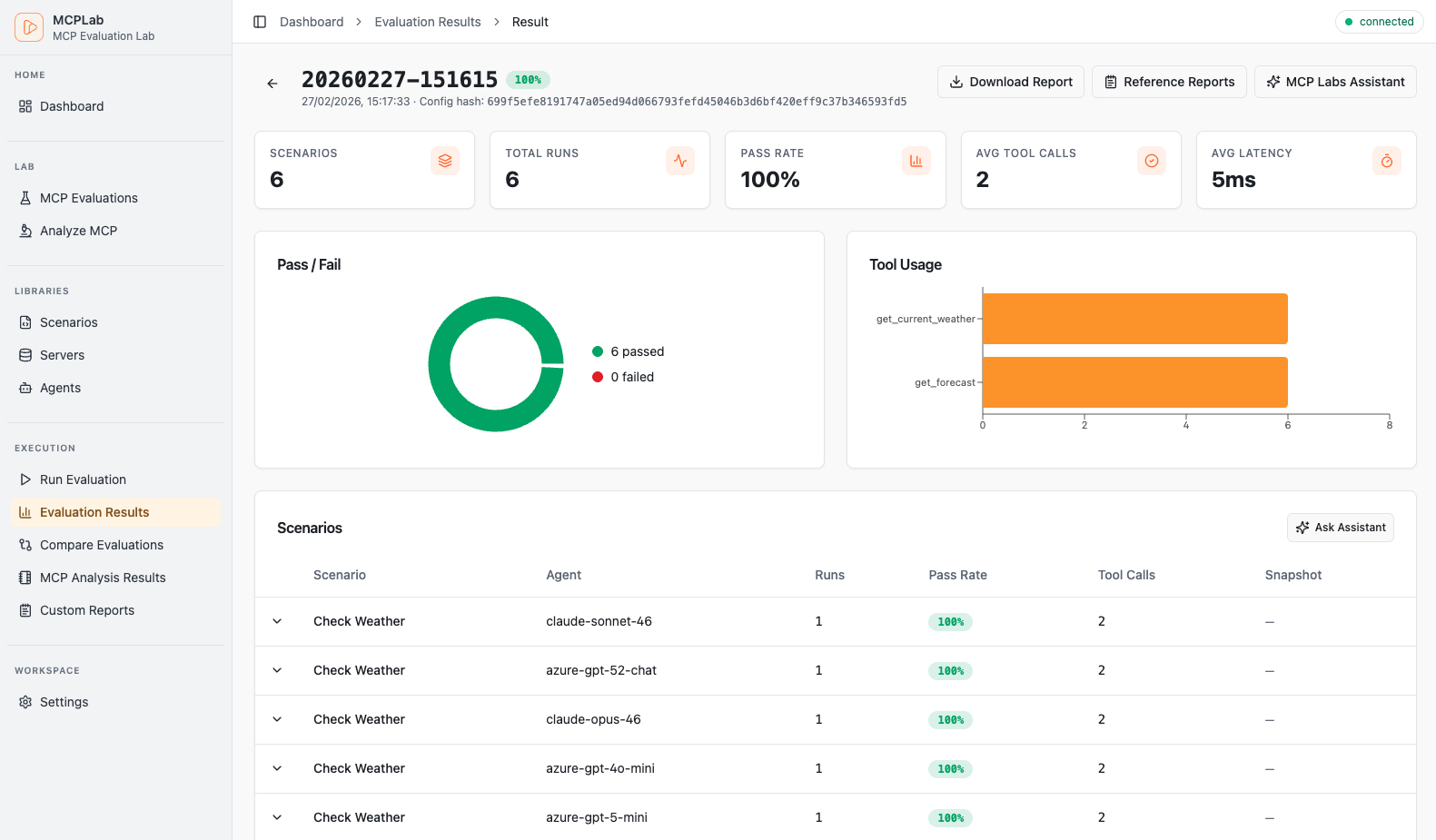
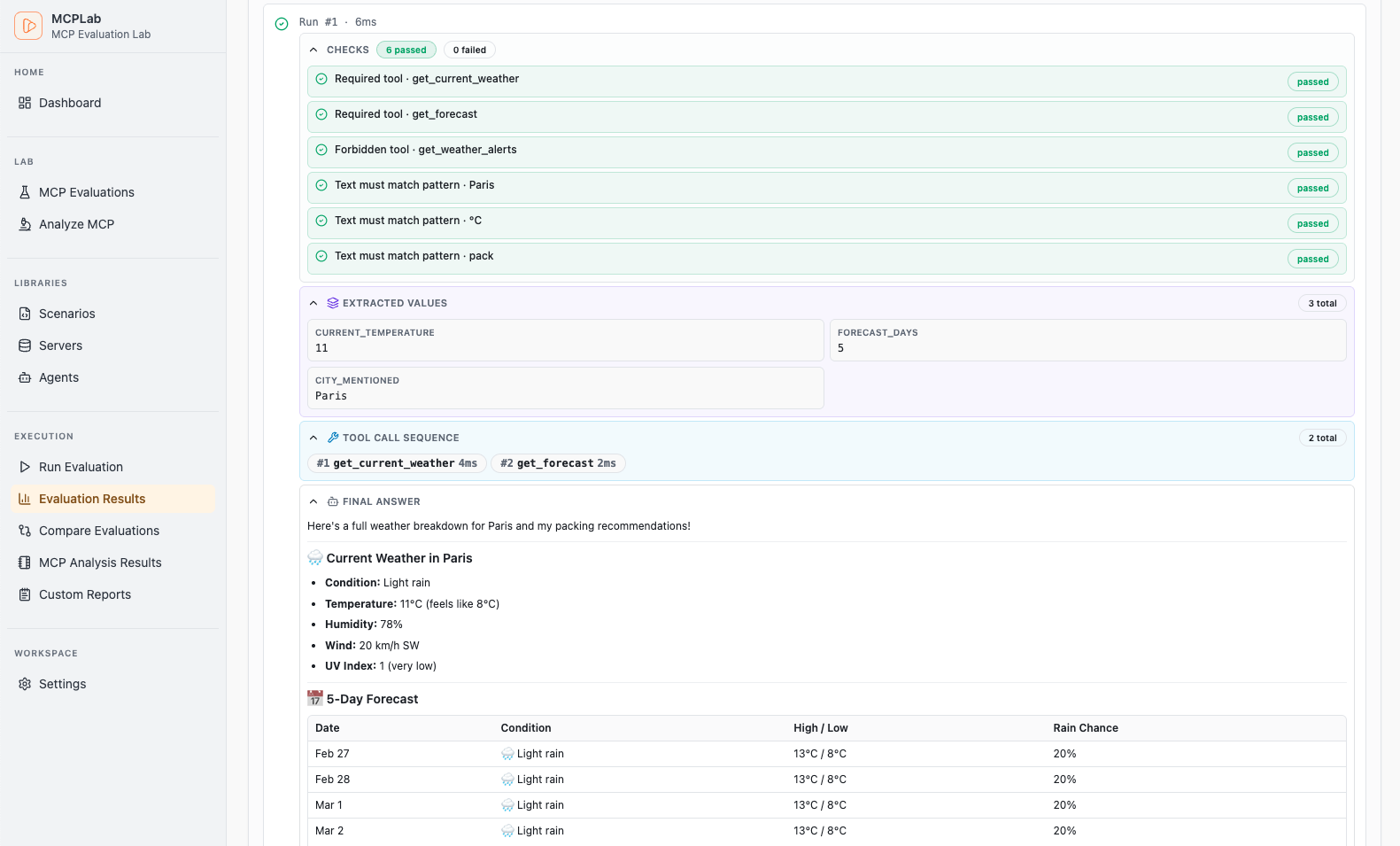
Click a run to open the Result Detail. The detail view shows per-scenario pass/fail, the tool calls the agent made, which assertions passed, and the agent's final response.
Expand a scenario to inspect the full tool call trace — every LLM message and tool invocation in sequence.
Comparing Agents
When a run included multiple agents, a Compare button appears on the result. The comparison view puts all agents side by side for every scenario so you can see where they diverge.
Use compare to pick the best model for your use case or to spot a regression introduced by a model update.
Markdown Reports
MCPLab generates a summary.md for every run. The Markdown Reports section in the App lets you browse these files alongside any custom markdown reports you place in the runs directory.
Useful for sharing a human-readable summary with teammates or attaching to a pull request.