App
Running Evaluations
Launch and monitor evaluations from the web UI.
Select a Config
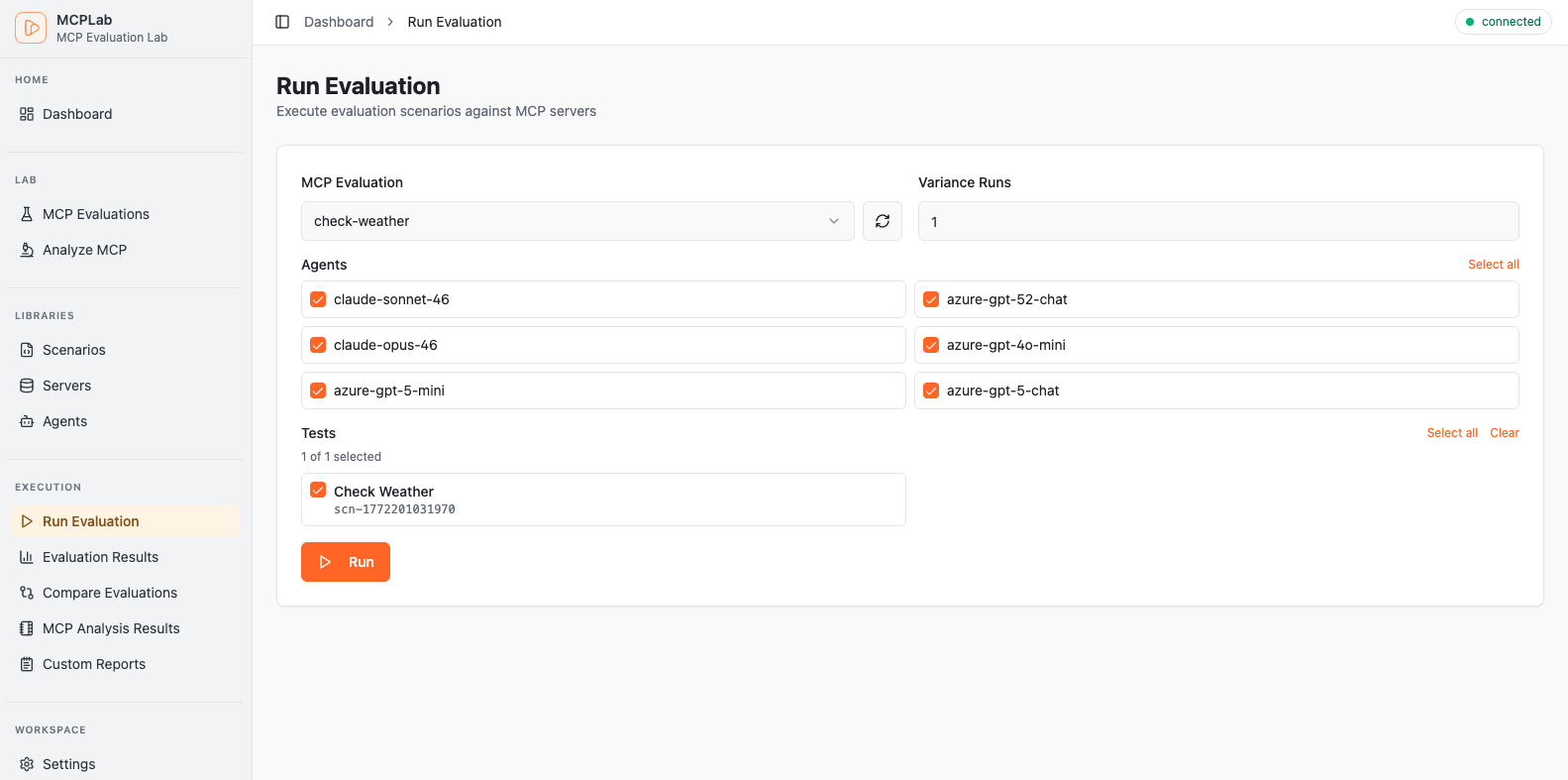
Open Run Evaluation from the sidebar. The page lists all eval configs found in the evals directory. Pick one to load its scenarios and agents.
Choose Agents
The agent picker shows agents defined in the selected config plus any agents loaded from the library. Select one or more agents — each selected agent runs every scenario.
Set Variance Runs
Increase the run count to execute each scenario multiple times. This surfaces consistency issues — an agent that passes 3 out of 5 runs on the same prompt is less reliable than one that passes 5 out of 5.
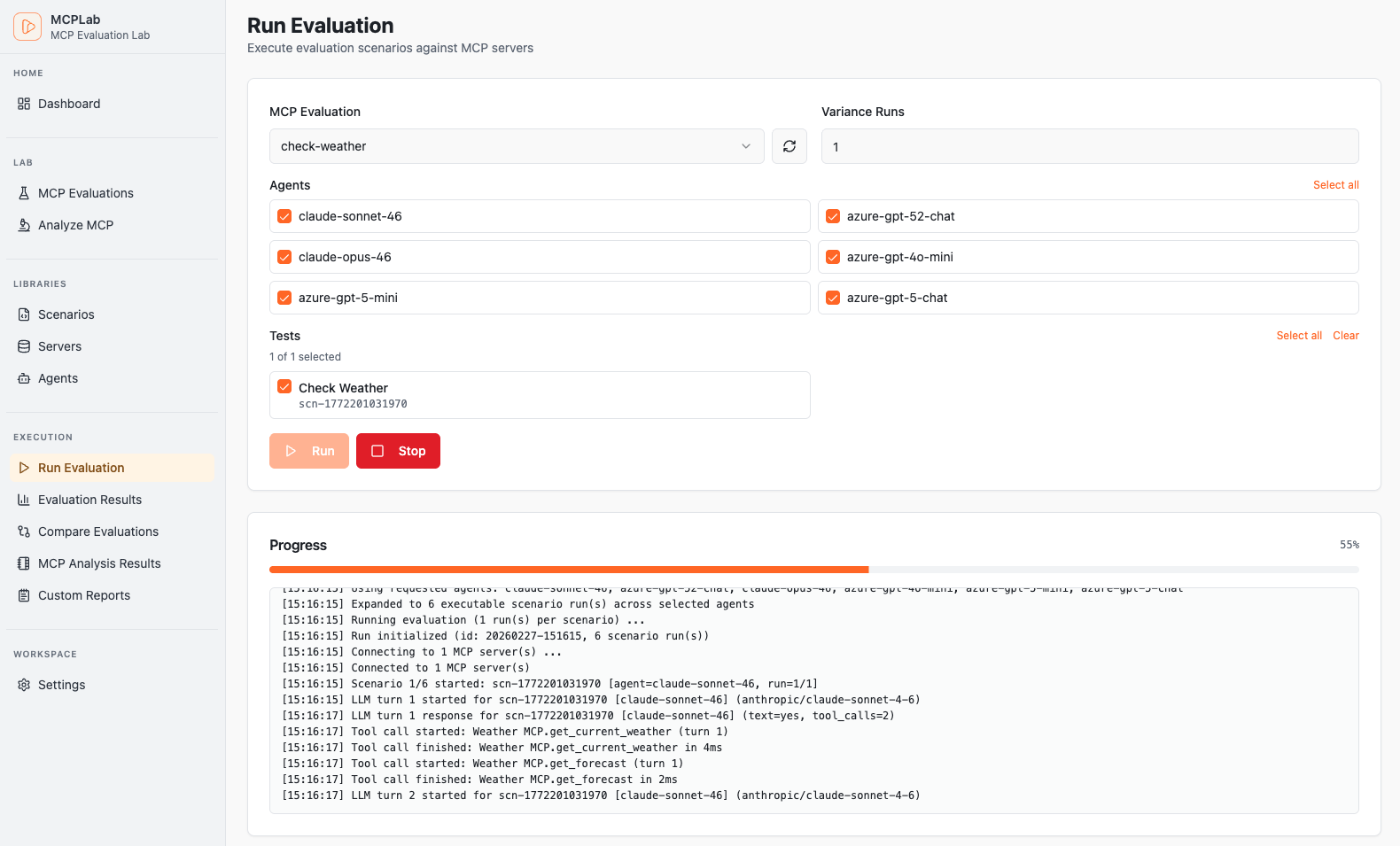
Launch and Monitor
Hit Run to start the evaluation. The page shows live progress as scenarios complete. When all scenarios finish, the results are saved and you can navigate to the Result Detail.